One file
Palettes, sprites, song and scene live together in a single .quaxel file. Keep it in Files or iCloud Drive.
Now on the App Store · iPhone & iPad
Quaxel is a tiny studio for pixel-art worlds that move to music. Draw a sprite, write a song, and watch your scene move to the beat.

Free to download. Apple Pencil ready.
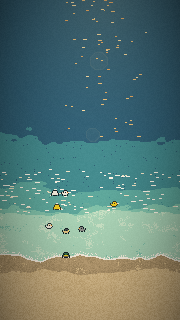
That's the real Quaxel renderer running in your browser, the same one the app uses.
01 Pixel
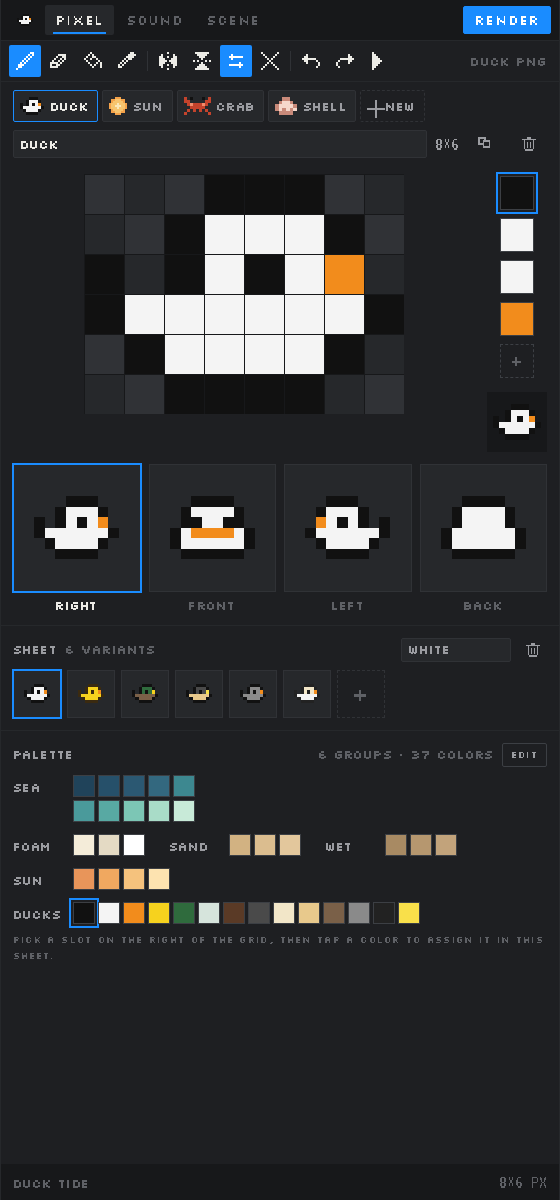
Draw with Apple Pencil while your fingers pan and zoom. Animate frame by frame in four directions, then recolor the same drawing into a whole flock with sheets.
02 Sound
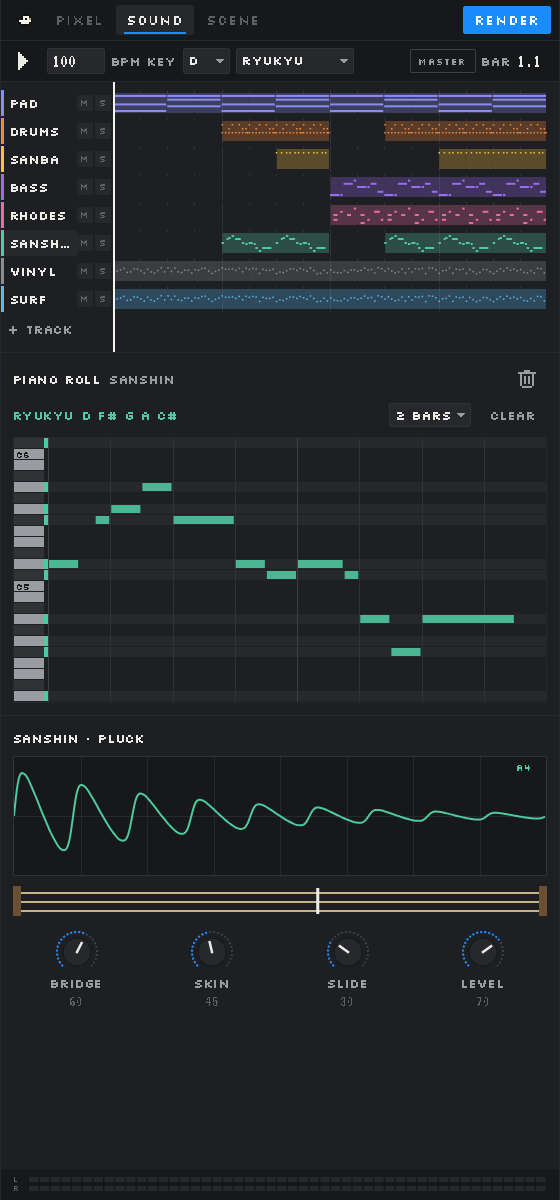
Arrange tracks in lanes, program drums in a step sequencer and write melodies in a piano roll that keeps you in key. Pads, bass, rhodes, a plucked sanshin, surf and vinyl crackle are all synthesized on device.
03 Scene
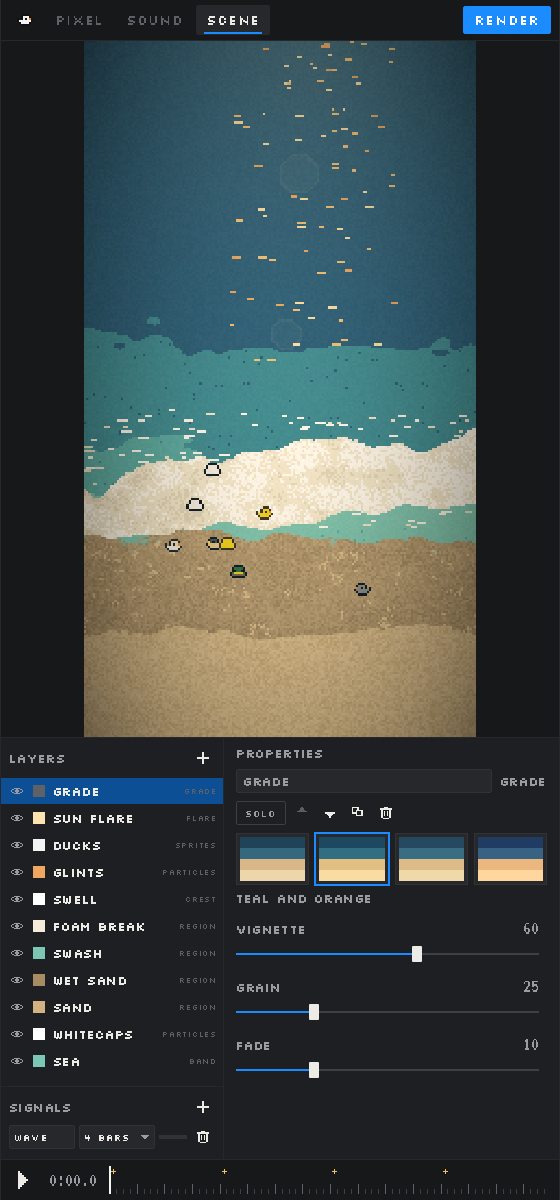
Stack sea, sand, glints and ducks into a living scene. Any setting can follow a loop on the song's clock, so the wave crashes right when the surf track does.
Palettes, sprites, song and scene live together in a single .quaxel file. Keep it in Files or iCloud Drive.
Sprites and layers point at palette slots. Change a color once and everything that uses it follows.
The song's bars and beats drive every animation, so playback, scrubbing and the exported video always line up.
Everything you need to make your first loop.
.quaxel project filesSubscription or one-time purchase.







Quaxel is free on iPhone and iPad.